

Innovation in the FE sector with an embedded ‘Hidden Curriculum’ of EMD
During my time in the FE sector I have learnt to innovate in my teaching and learning resources. When I first came into the sector in 2006 I had never turned on a computer and found the whole digital platforms a challenge. I am now embracing many tools, platforms and techniques that I share with my peers and also train staff in the digital landscape as well as teaching, learning and assessment techniques. This blog entry is about some of these techniques and how they have impacted my teaching practices and ultimately the students engagement and being able to fulfil their aims of why they came through the door of the college in the first place.

Digital aids within teaching and learning
I often refer to my VLE (virtual learning environment) as our ‘Launchpad to Learning‘ and what you put in there is entirely up to you. It is also not one size for all, some may land and some may miss, but never give up. BE BOLD AND BE BRAVE.

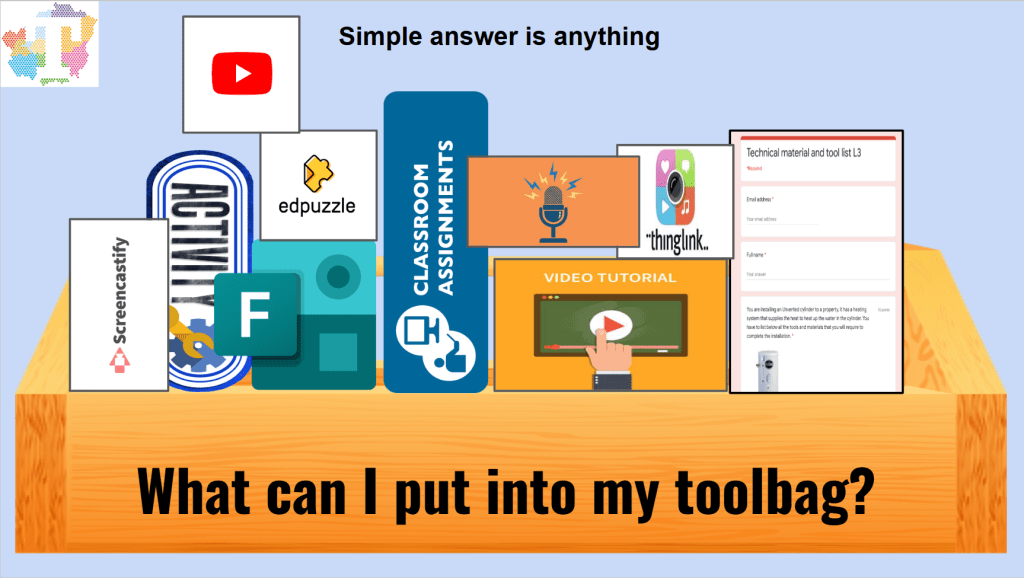
Above are a few example tools that can be used in the classroom regularly with students to enhance their learner journey. Looking at the tools and practicing with them I developed my skills and confidence in developing, using and sharing with students and my peers to allow all of us to become more prepared for the expectations of the industry and general employment.

The very first platform I began to use to share all of my resources, ideas and things to compliment the studies of the students was ‘Moodle’ at my first FE college that I worked for from 2006-2013, this was my playground to develop and try new things to enhance the knowledge and skills of all of my students and also add the hidden curriculum of EMD (English, Maths and Digital). As I developed my own skills in this area the students were also developing theirs and also gaining a firm knowledge base to enhance their skills and behaviours during the course. As my skills and knowledge developed I indeed did become braver and bolder in what I was willing to try with my classes, the classes ranged in age groups from 14-19 year olds and adult courses inclusive of students on an apprenticeship. The Moodle platform was good for beginning to develop my skills such as designing, presentations, videos, assignments and quizzes all of which worked and had an impact on students however they did not challenge nor develop their EMD skills too much at this stage.
Further reflection and development was required
At this stage it was clear that the responses from the classes I interacted with was positive to the changes of the resources and delivery methods using the tools available to me at the time and my own skill levels on how to use them in an innovative manner. I realised I could not just replicate more of the same for different topics as this would become stale very quickly as the students progressed through their studies. Into the tool bag I went and began to practice and develop and practice further development on more interactive resources and began to develop my skills while creating the resources that were eye catching, innovative and above all met what was required to enable the students to gain and retain the required knowledge and skills to achieve.

Begin again – ‘Ready To Learn’
Below are a number of images that I developed to prepare the classes for the sessions. At this point the platform had moved to Microsoft Teams and Moodle although it had been used at the beginning of our journey had now been left for more user friendly platforms. Examples of which are Microsoft Teams, Google platforms, Share-point, Google forms, Microsoft forms, Google sites, You tube, Ed-puzzle, Book creator, Thing link and many more…
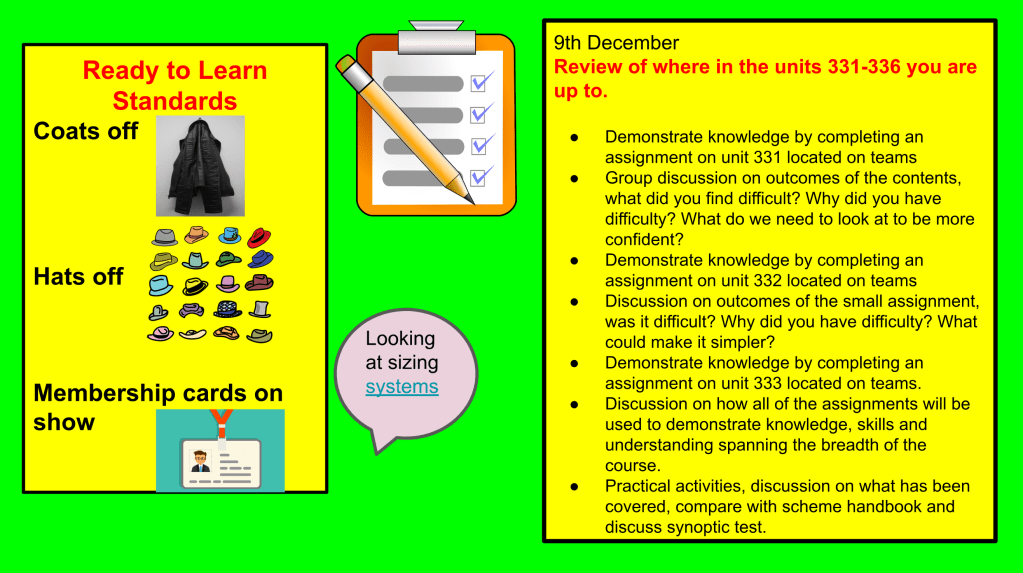
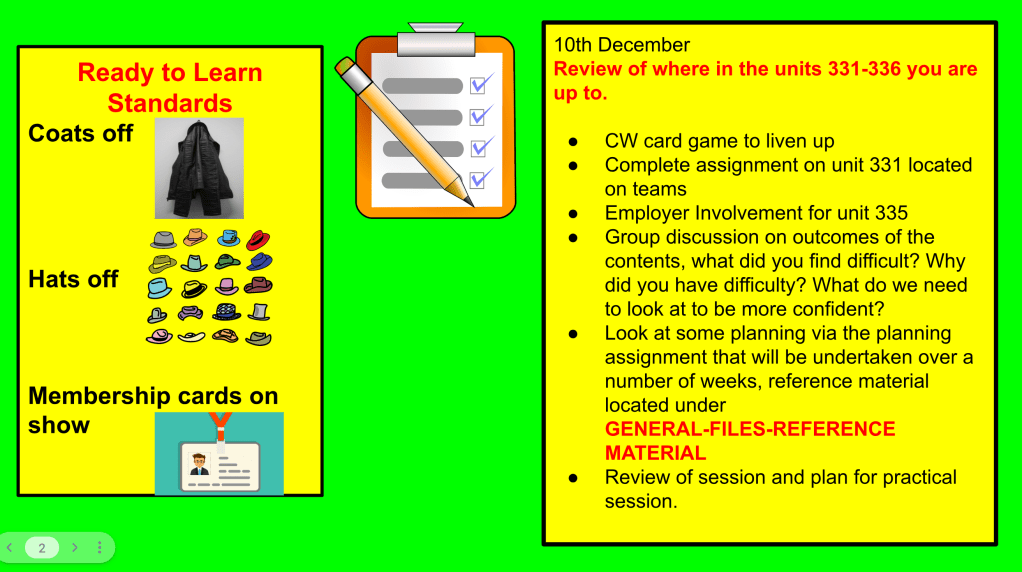
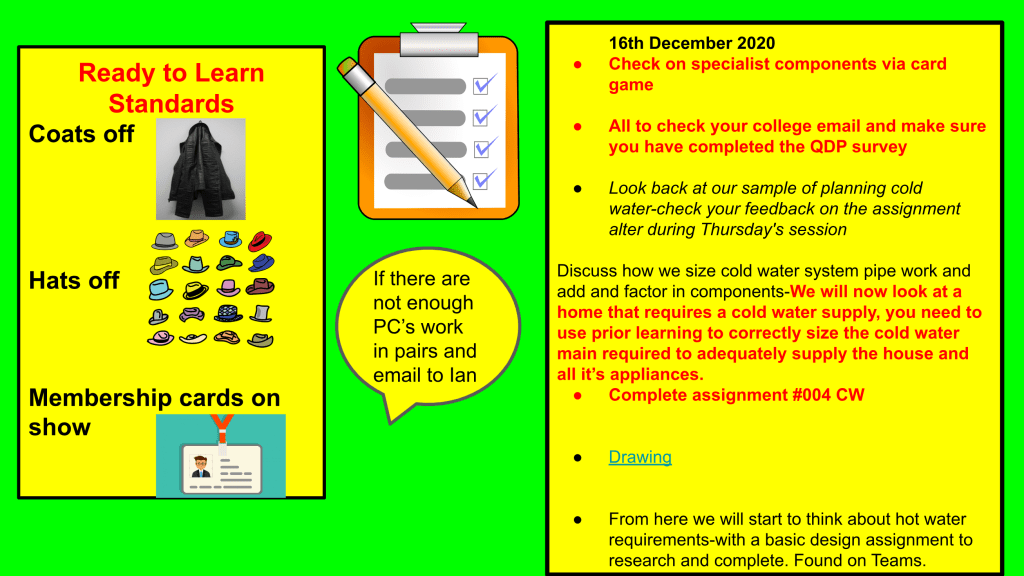
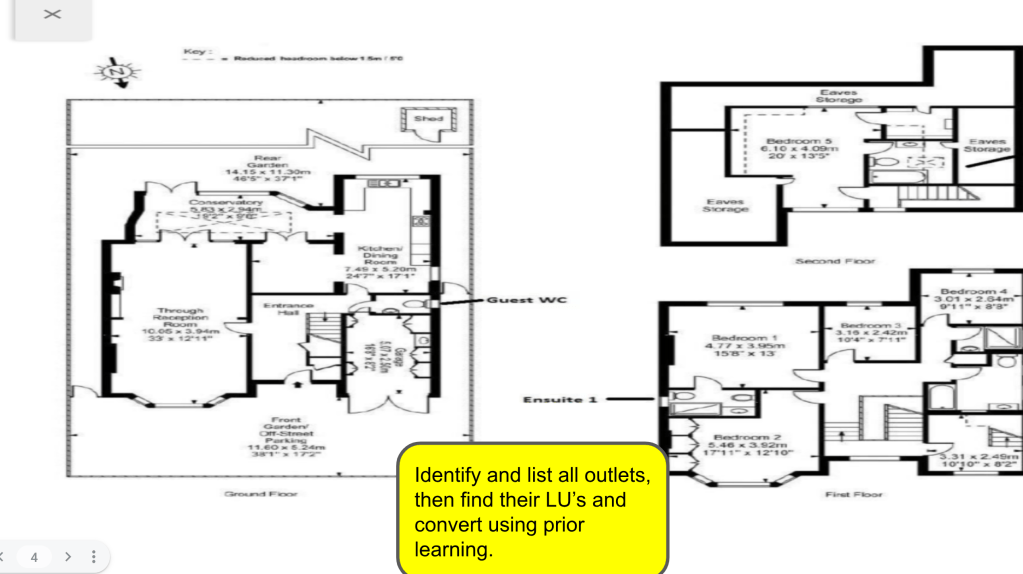
All of the above worked well, but they were delivered via a slide deck and I was always looking for something that could be on the board and stay there, so it was an actual ‘Launch Pad to Learning’ This is where Classroomscreen.com came into it’s own.
Examples of my Classroomscreen.com that I have used recently below.
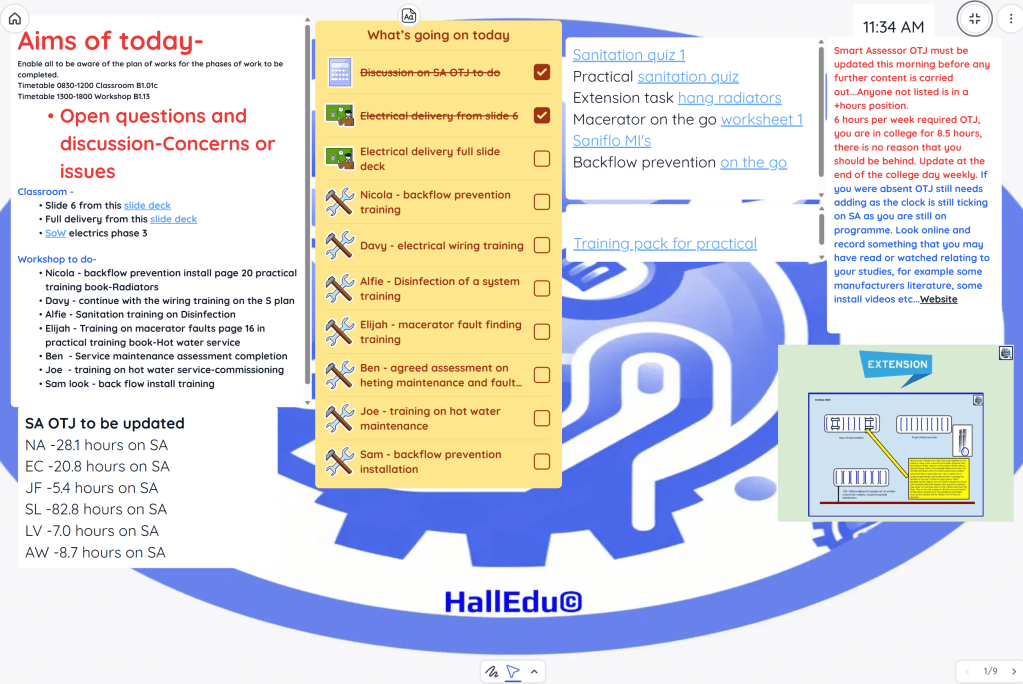

In the images there are links to items that we would be using in class throughout the session, so the classroomscreen.com does indeed launch us to our learning and the we return to the classroomscreen.com to continue when and where required.
Begin again – with EMD within the delivery ‘Hidden Curriculum’
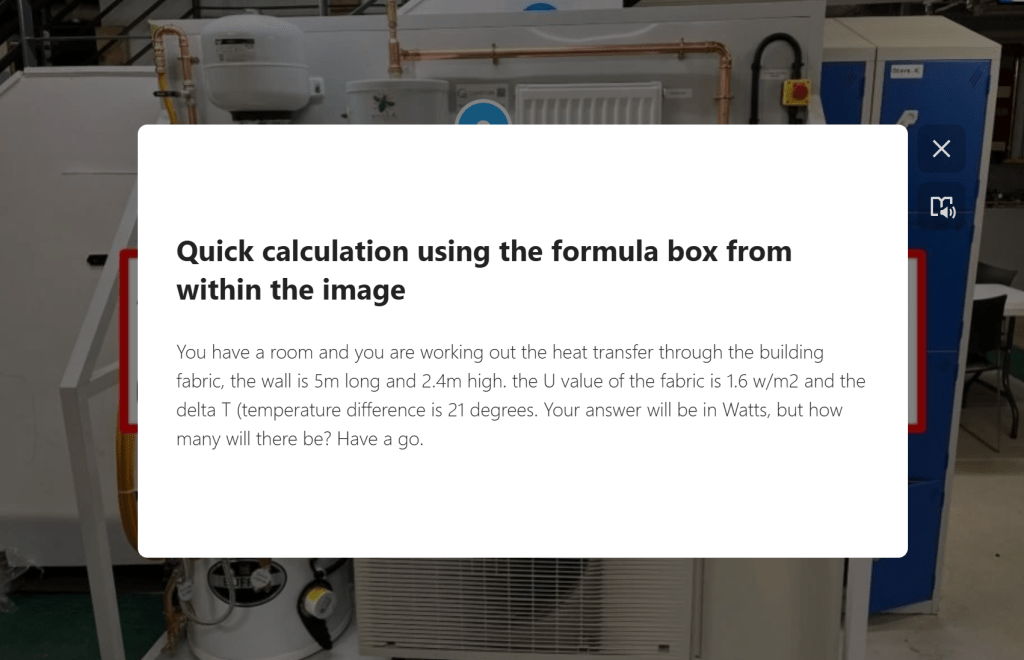
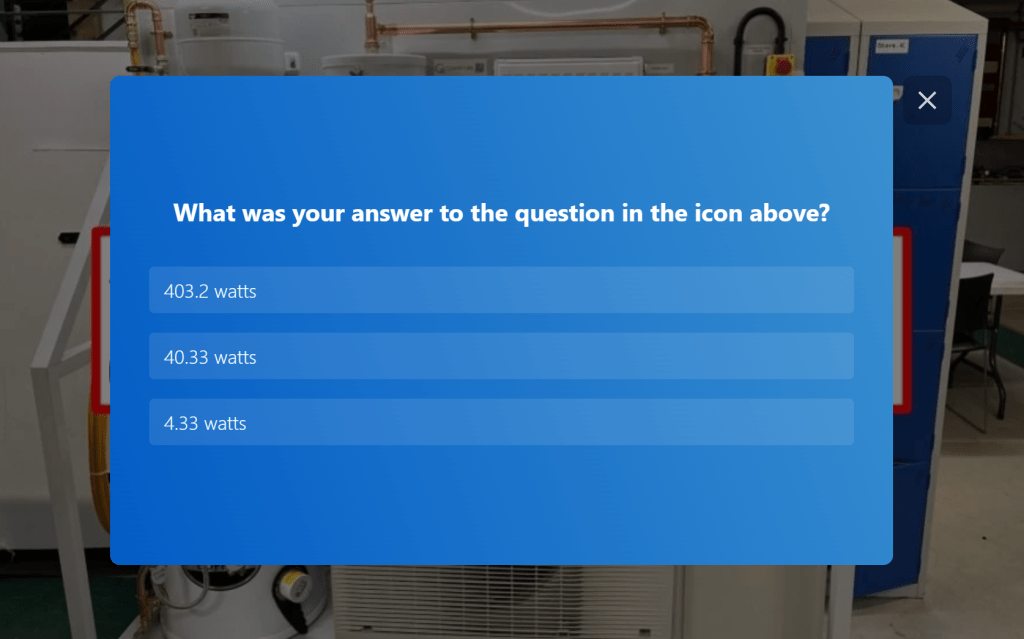
In my delivery I needed to train my apprentices to become comfortable and confident in reading data/information knowing what to do with it and also being able to perform a calculation when they had got all of the information collated together. I looked at this problem and began to think how I could simplify this, by breaking it down and using technology to create ‘Memory Links’ to enable not only recall but enable them to become confident in applying the knowledge and skills.
Maths
An example of a breakdown of a calculation https://www.thinglink.com/scene/1952013511404028772

English

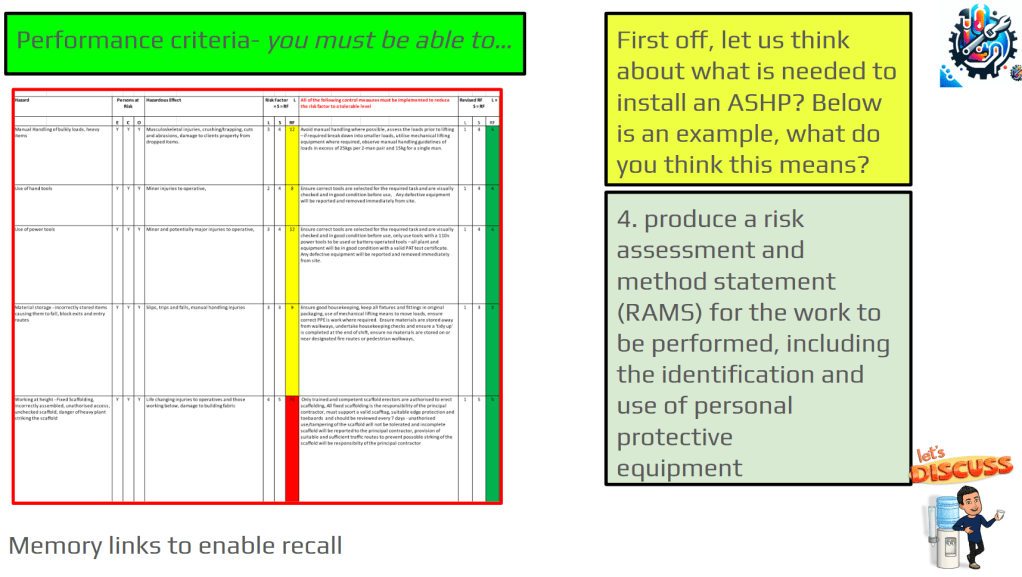
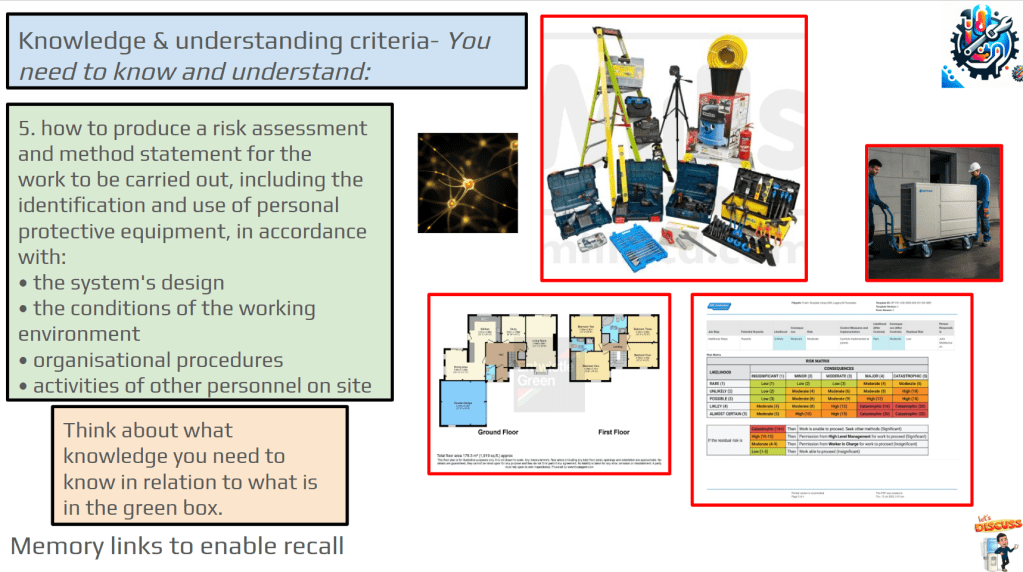
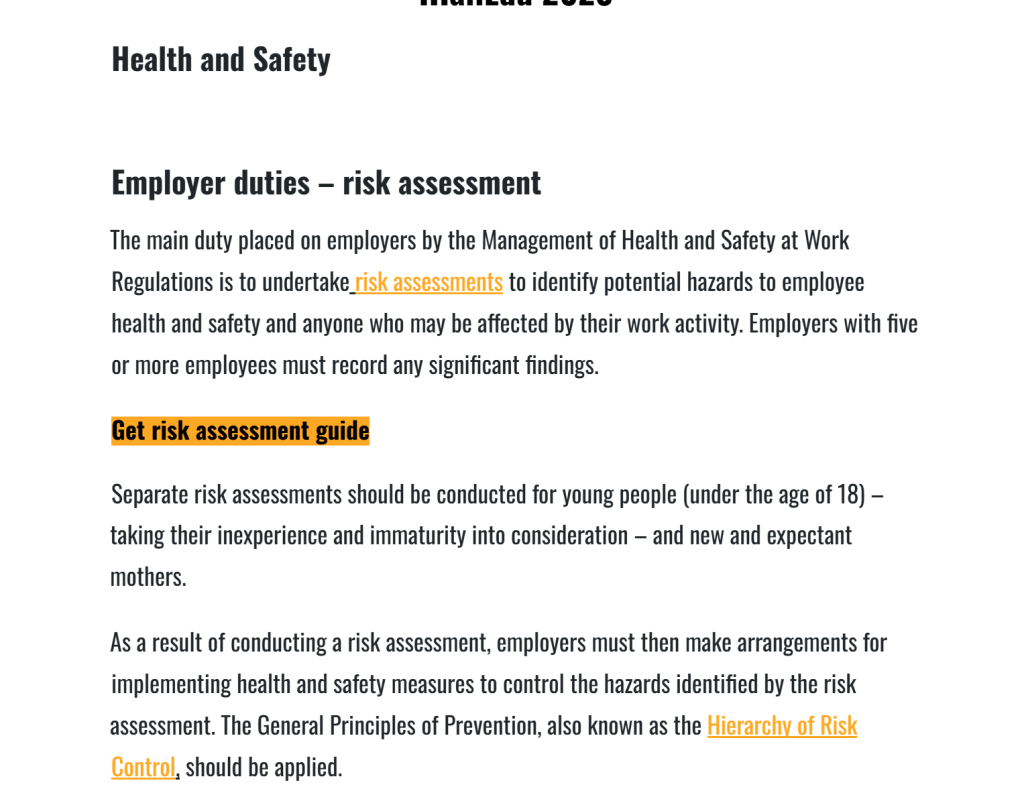
This slide deck was developed to allow the apprentices to discuss, think and apply knowledge after discussion. They were asked a series of questions some of which can be seen below and then they were asked to carry out certain tasks such as writing a method statement for a task used in the industry, creating a risk assessment and much more..
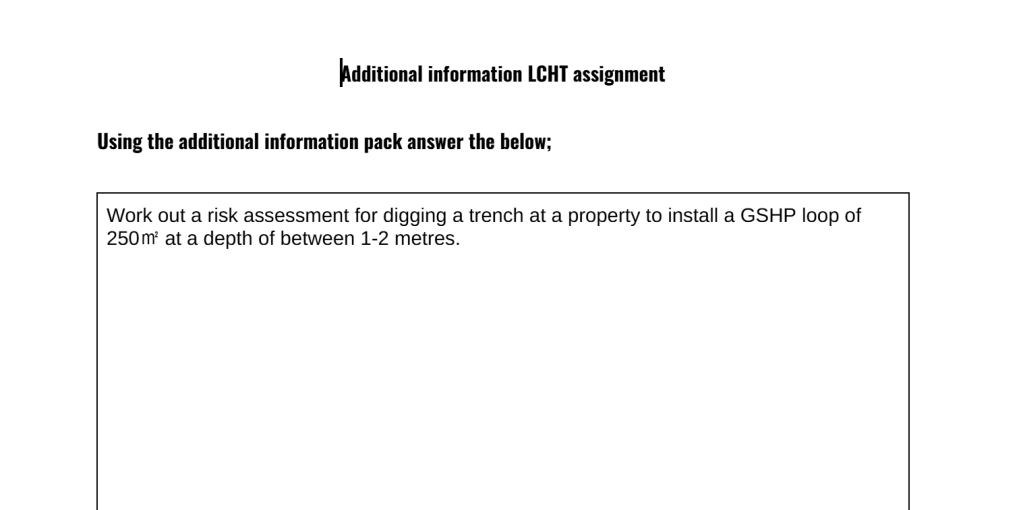
An image from the written assignment to accompany the slides above
Below are some guidance notes and assistance from a reference pack located on the VLE which the students use to write on the assignment above
Digital
Below are some images from slide decks that I use in the first instance to gauge the starting point for all students in their digital skills.
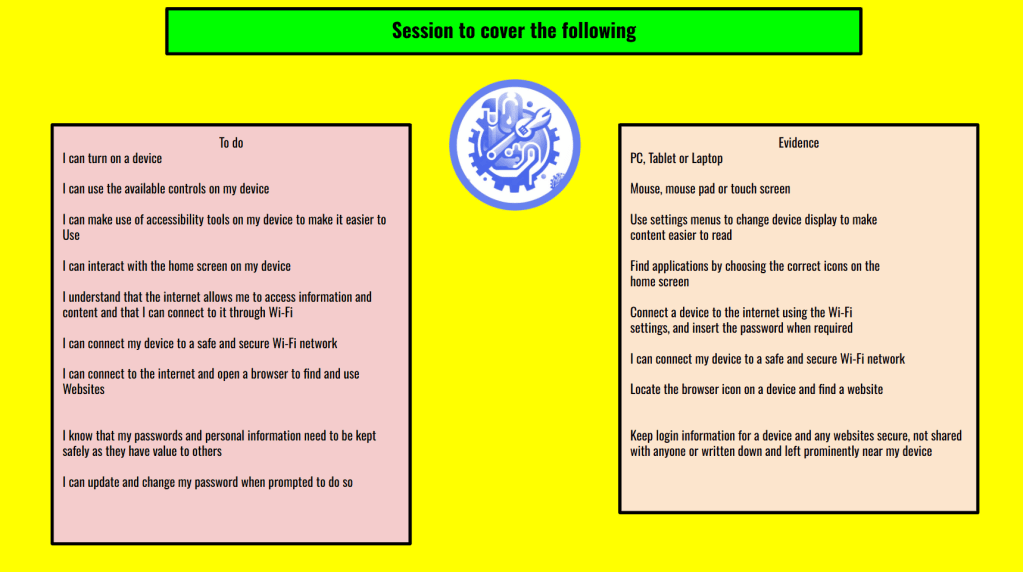
Turning on devices
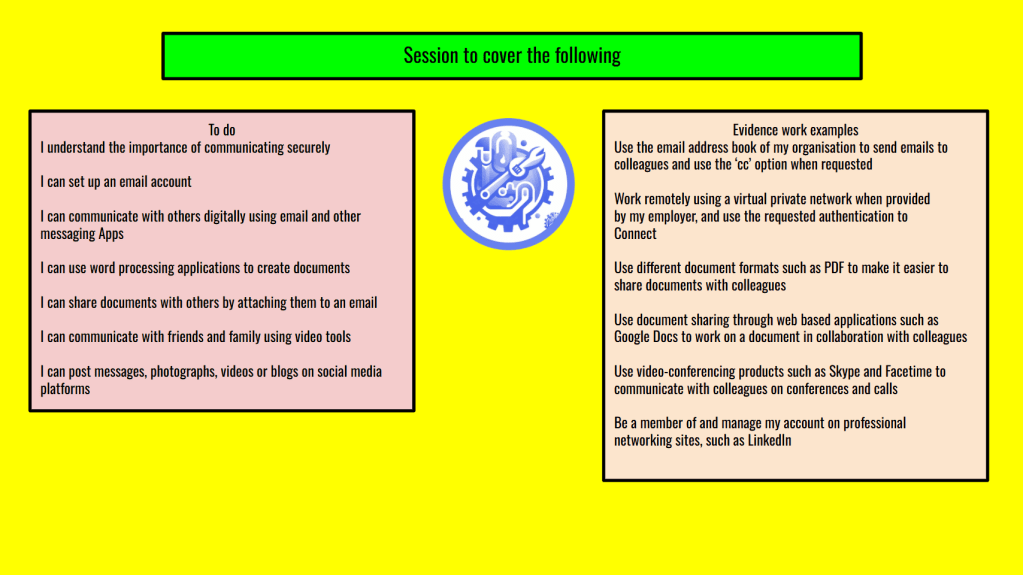
Communication
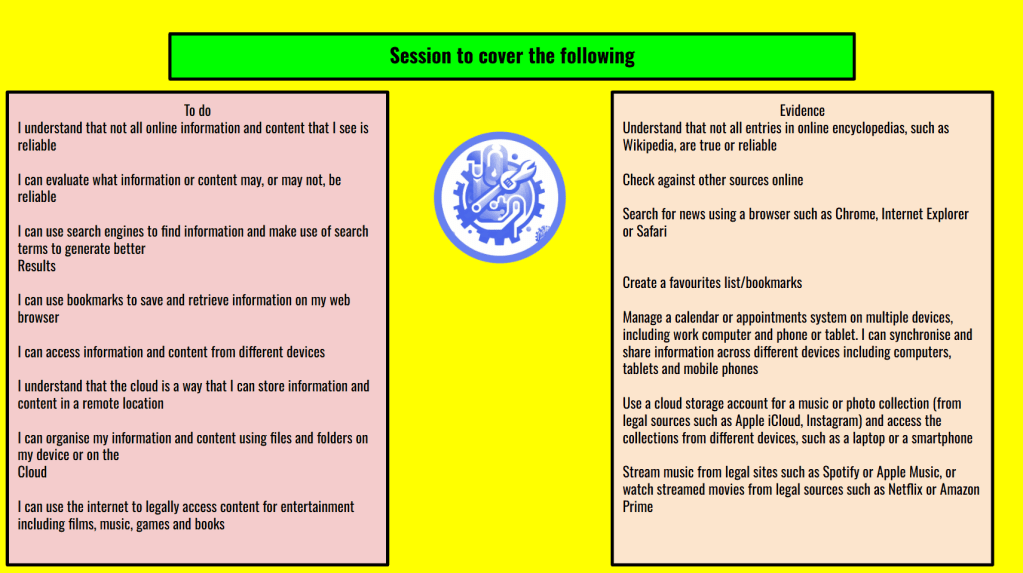
Accessing information
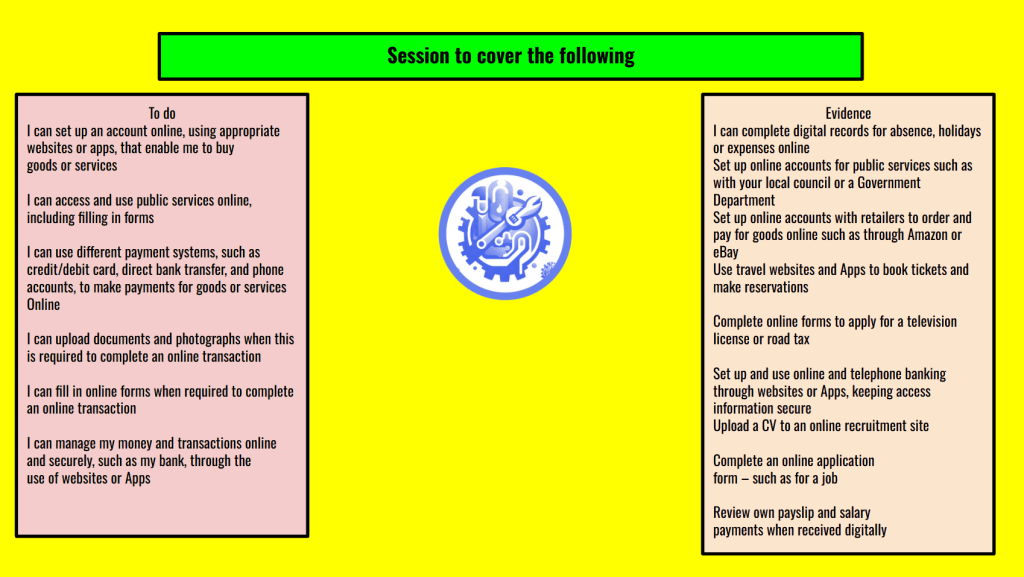
Online purchases

Problem solving

Safe working online
Continuation of developing resources and testing new things with students
I continue to develop innovative resources that are easy to use, develop core skills and knowledge that can be applied to all aspects of the students studies. Since coming into FE in 2006 and working with some fantastic people I continue to learn and share my findings with others. I have developed many resources for my students and peers alike and continue to do so. This is an ever evolving area to get into and I love to look at curricula and break it apart in order for 21st century students to be able to become comfortable, confident and proficient in all aspects of their studies in readiness for employment or as part of their job role. As I work in FE I wholeheartedly believe that the tutor should be developing skills as well in order to keep pace with the ever changing and developing world of education and Ed-Tech. This Blog entry was really just a little taste of what is available for tutors like me to look at develop and contextualise to meet their own courses and meets their students needs, in addition to what the employers of the areas in which you teach are looking for from their prospective or existing employers.
The list of resources that can assist teaching and learning is endless really and not all of it is electronic, just because it is electronic does not make it better. I still mix the skill set up and try to develop a range of skills that are required. Remember do not be afraid to BE BOLD AND BE BRAVE if it does not work, tweak it and go again. You cannot get it right if you never get it wrong.

Until my next blog…


Leave a Reply